
KAI: Your control room copilot.
KAI brings information from different sensors and systems into one operational picture, builds context and recommends next steps. Your operators stay in command.
Different sensors. One operational picture.
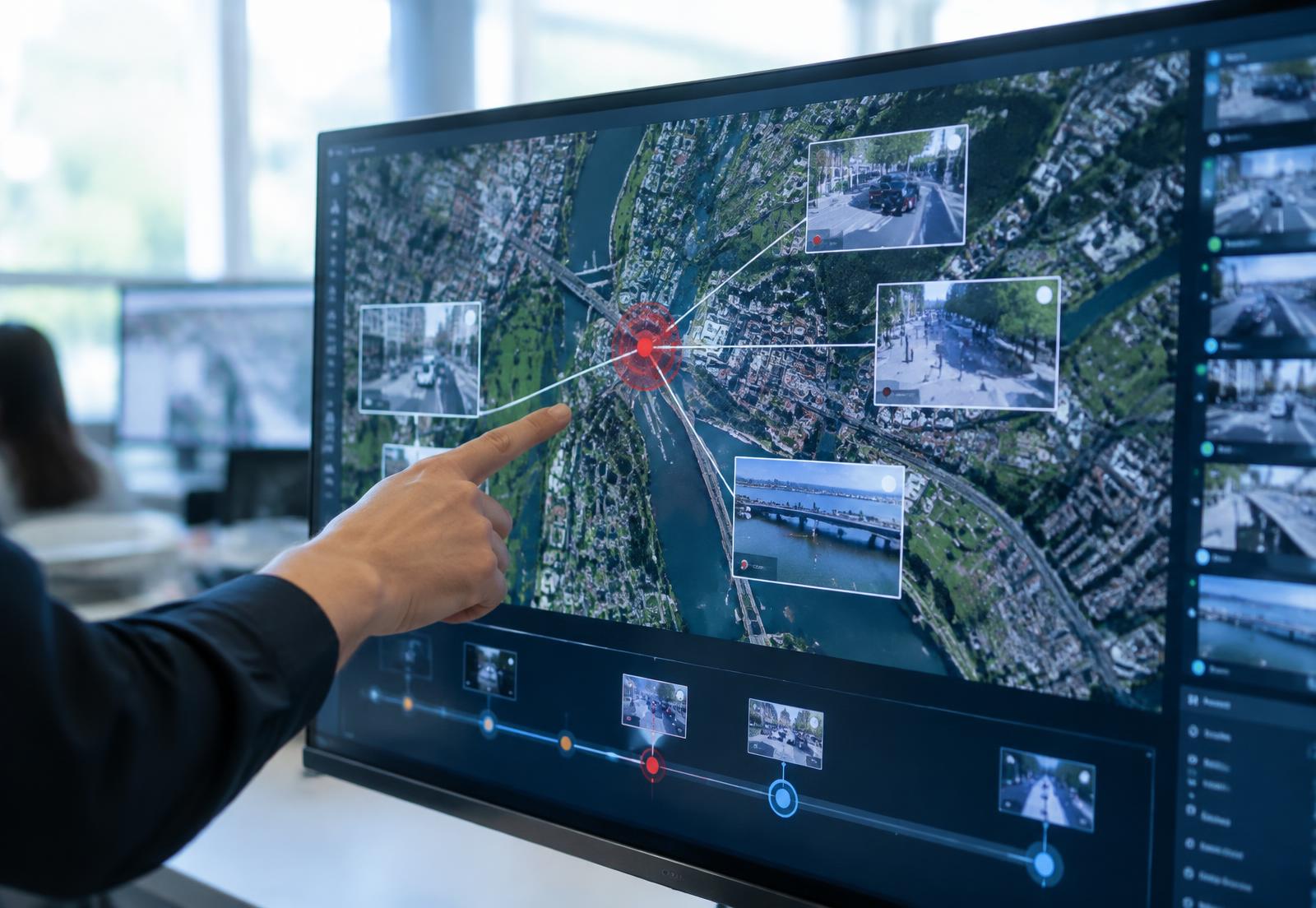
Use camera information as part of the wider picture. KAI is not built around a single sensor or brand. It connects information from different sources, builds context and supports the people making decisions.
 Step 1
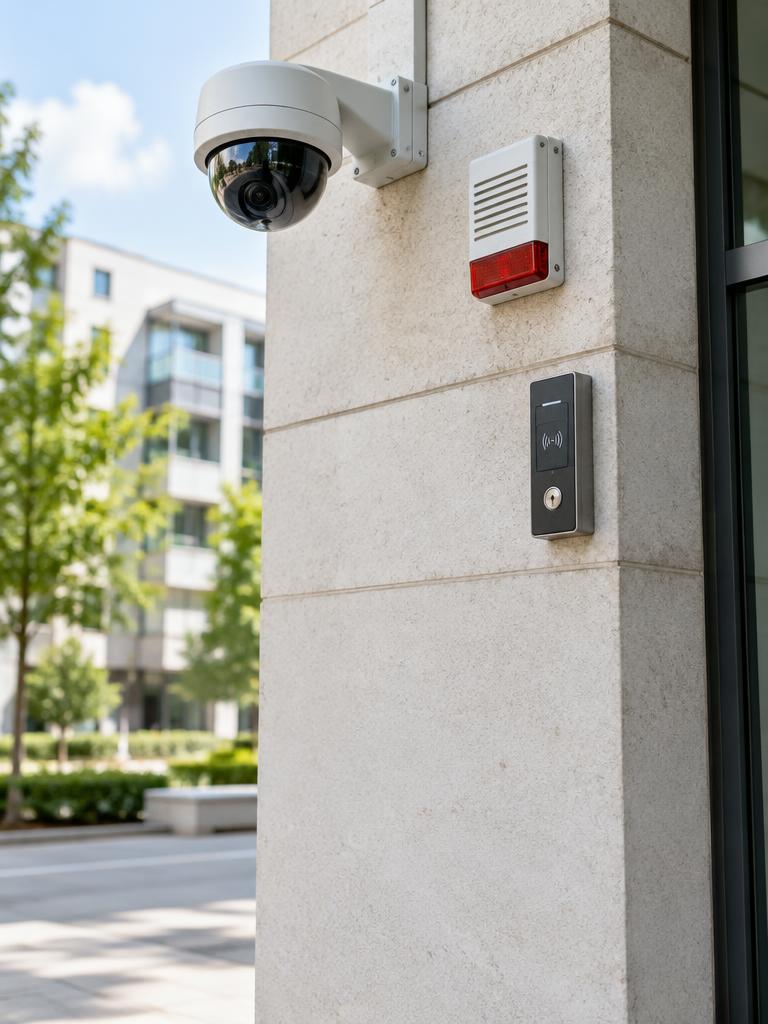
Your devices
Camera feeds, radio, emergency calls, alarms and access control. Different sources, connected to the same workspace.
 Step 2
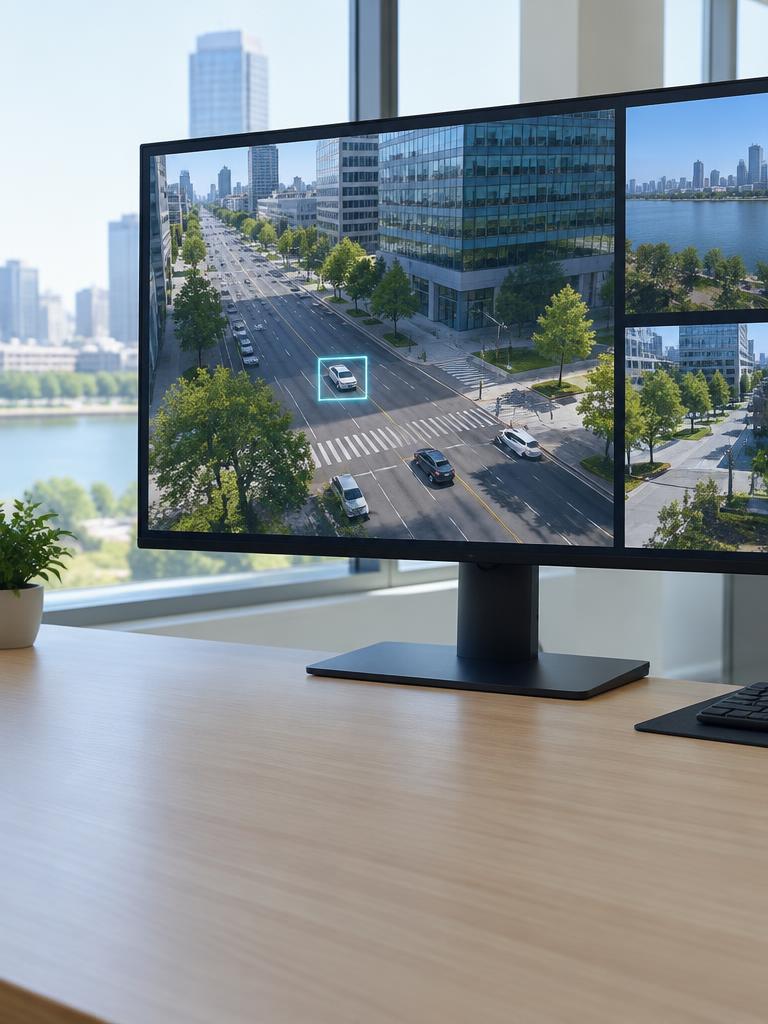
Connected
A sensor-agnostic approach: connect existing sources rather than build around one device brand.
 Step 3
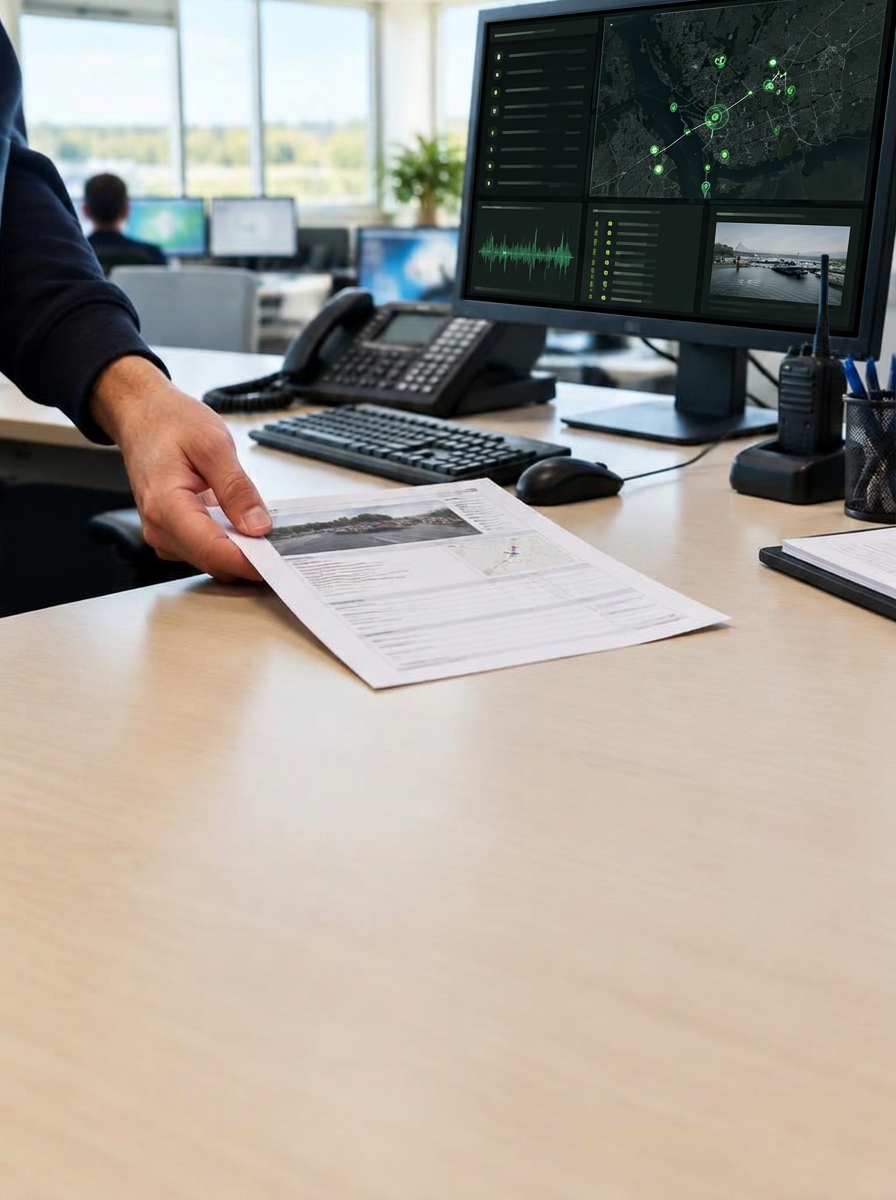
Understood
KAI brings the signals together to build an operational picture and context.
 Step 4
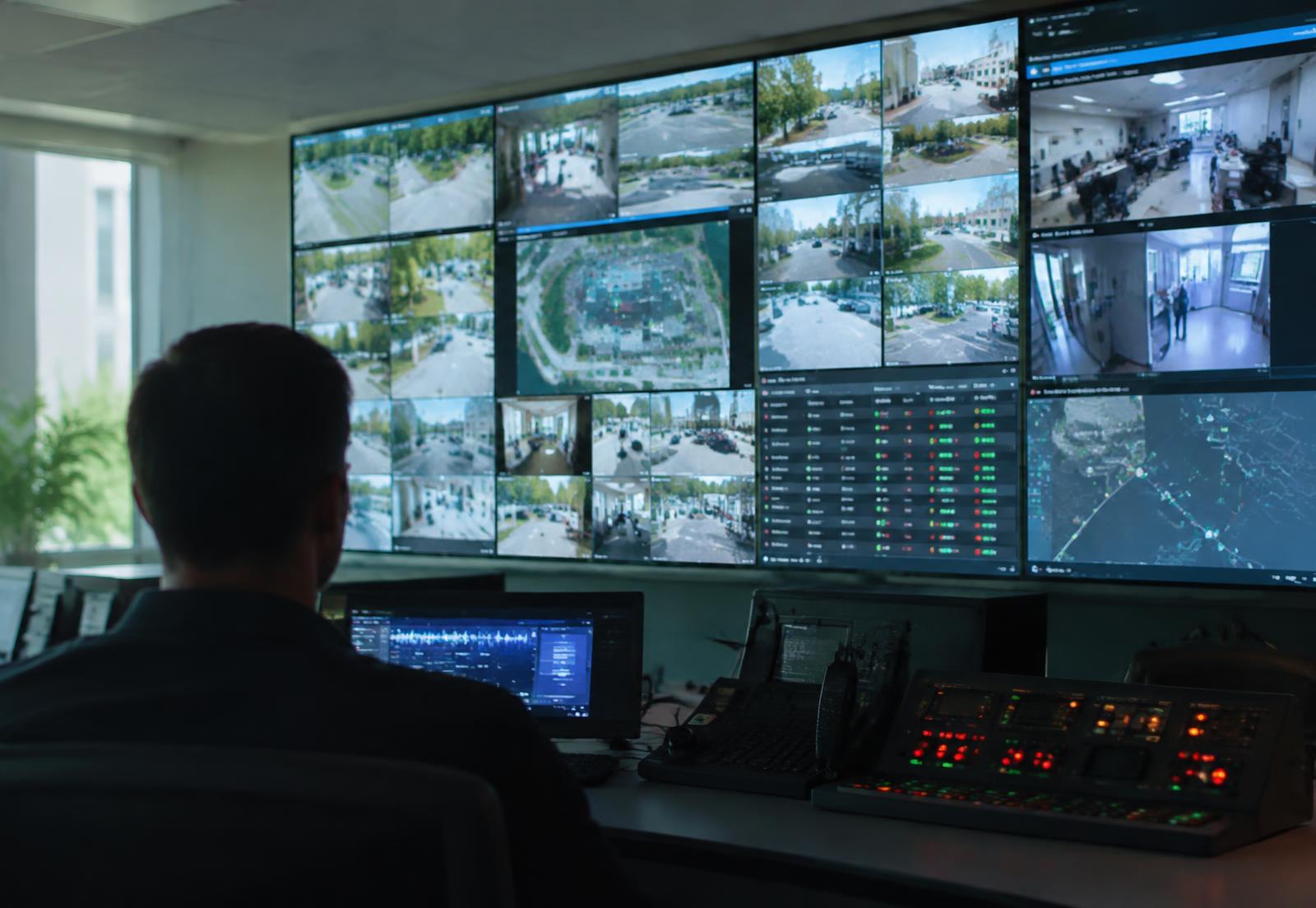
Turned into work
Recommendations, incidents and reports support the operator’s next decision. Your team stays in command.
More context. Clearer decisions.
KAI connects the information and surfaces recommendations, so your operators can focus on the decision.
Connect
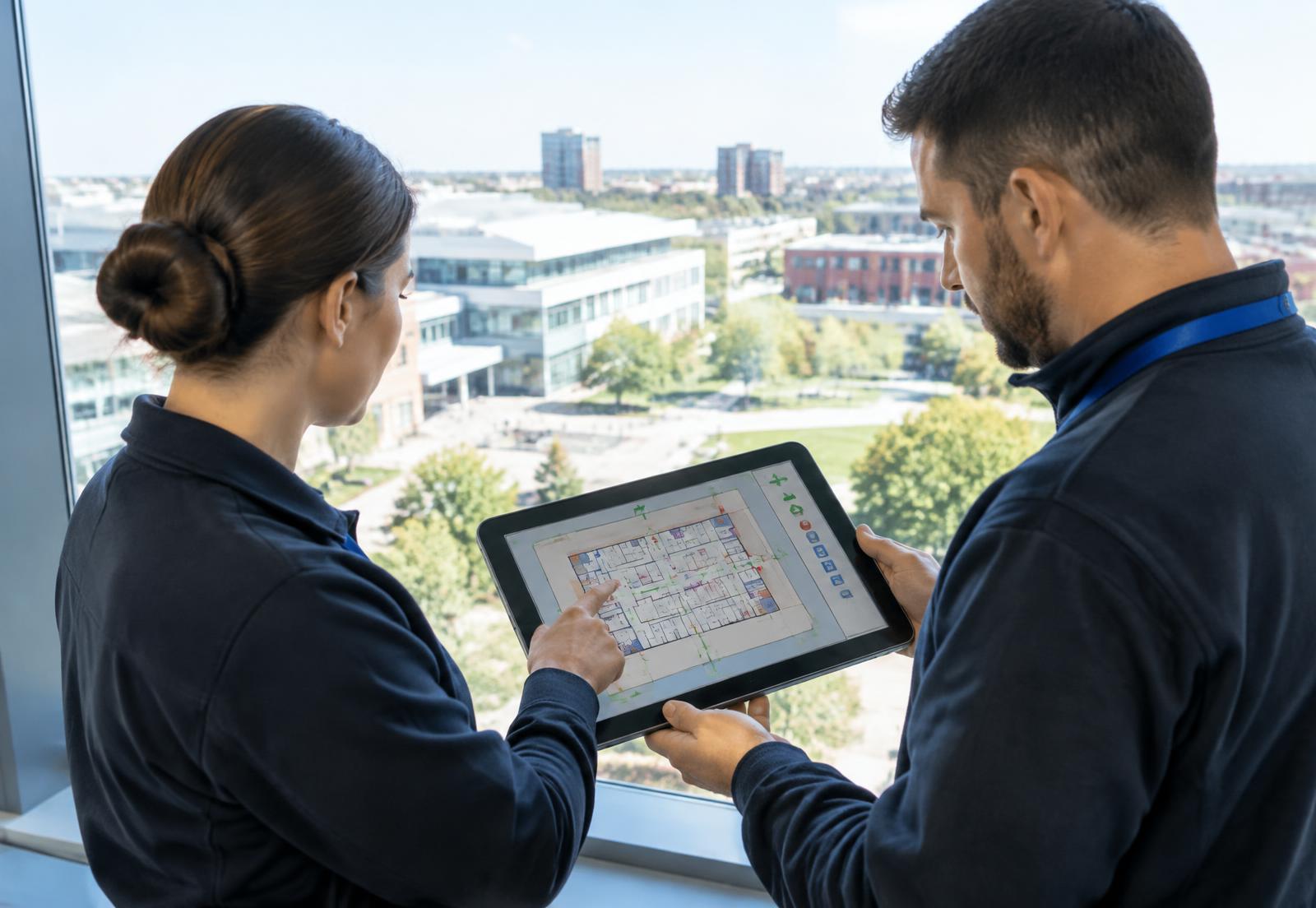
Bring information from different sensors and systems into one workspace.
Built to support more efficient, safer and more accurate work.
AI AND PEOPLE, TOGETHER
KAI does the work. Your team makes the calls.
In every part of the job, KAI takes on the watching, listening and searching. Your operators stay in charge of every decision.
Your operator with KAI

Live incidents
- KAI
- Tracks every update as the incident unfolds.
- You
- Directs the response.
Investigations
- KAI
- Searches recordings and gathers findings.
- You
- Confirms what goes into the case.
Cameras
- KAI
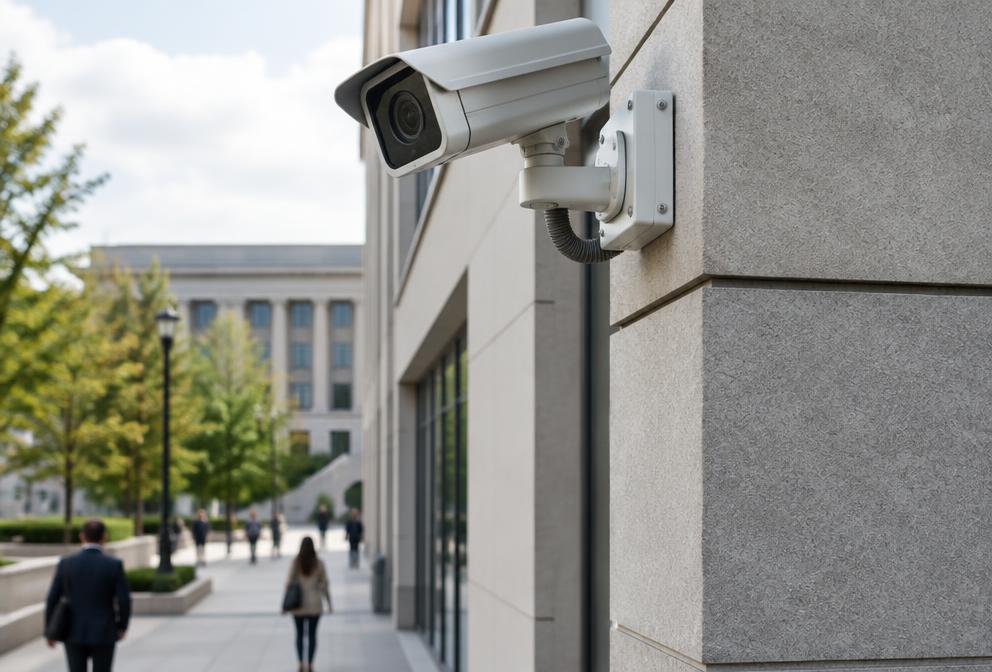
- Watches the feeds and spots what matters.
- You
- Judges what is really happening.
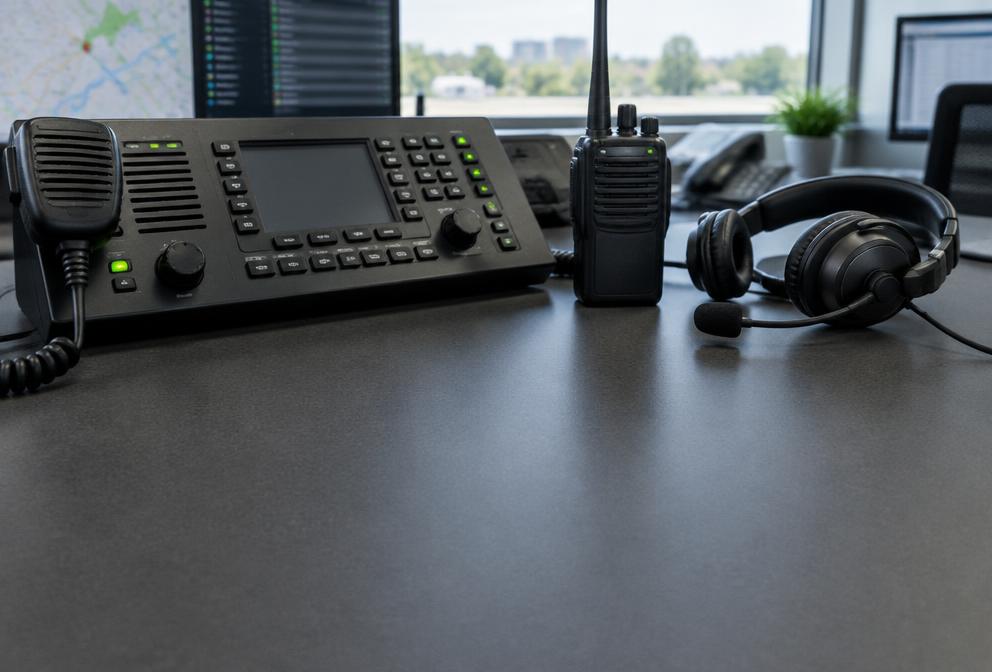
Radio and calls
- KAI
- Listens and turns speech into incident details.
- You
- Speaks with callers and units.
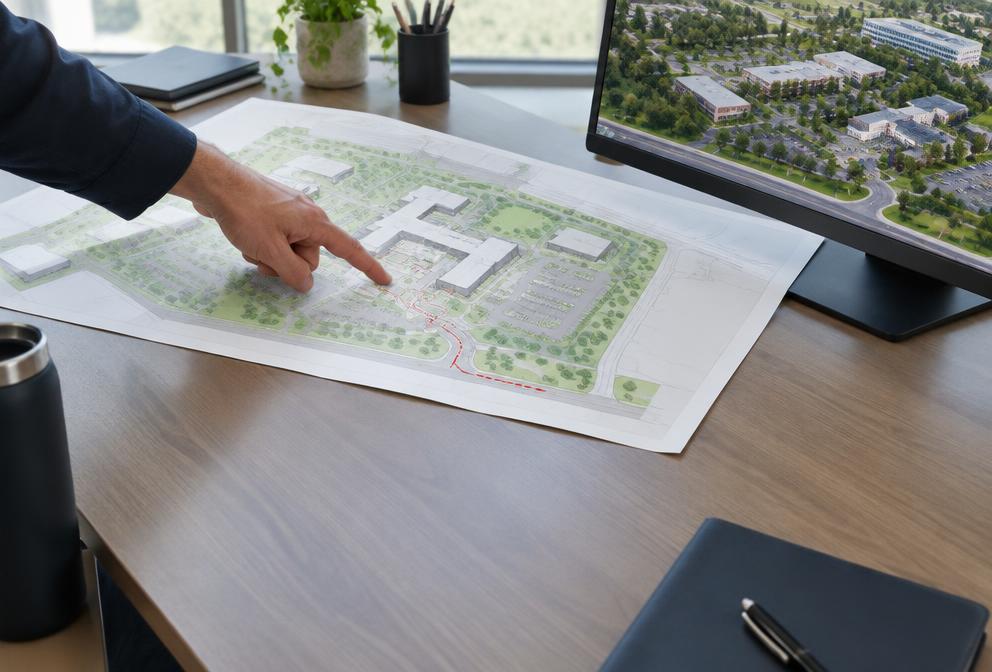
Site knowledge
- KAI
- Links events to the place and its procedures.
- You
- Applies local experience.
Sensors
- KAI
- Reads every connected source, any brand.
- You
- Chooses what to connect.
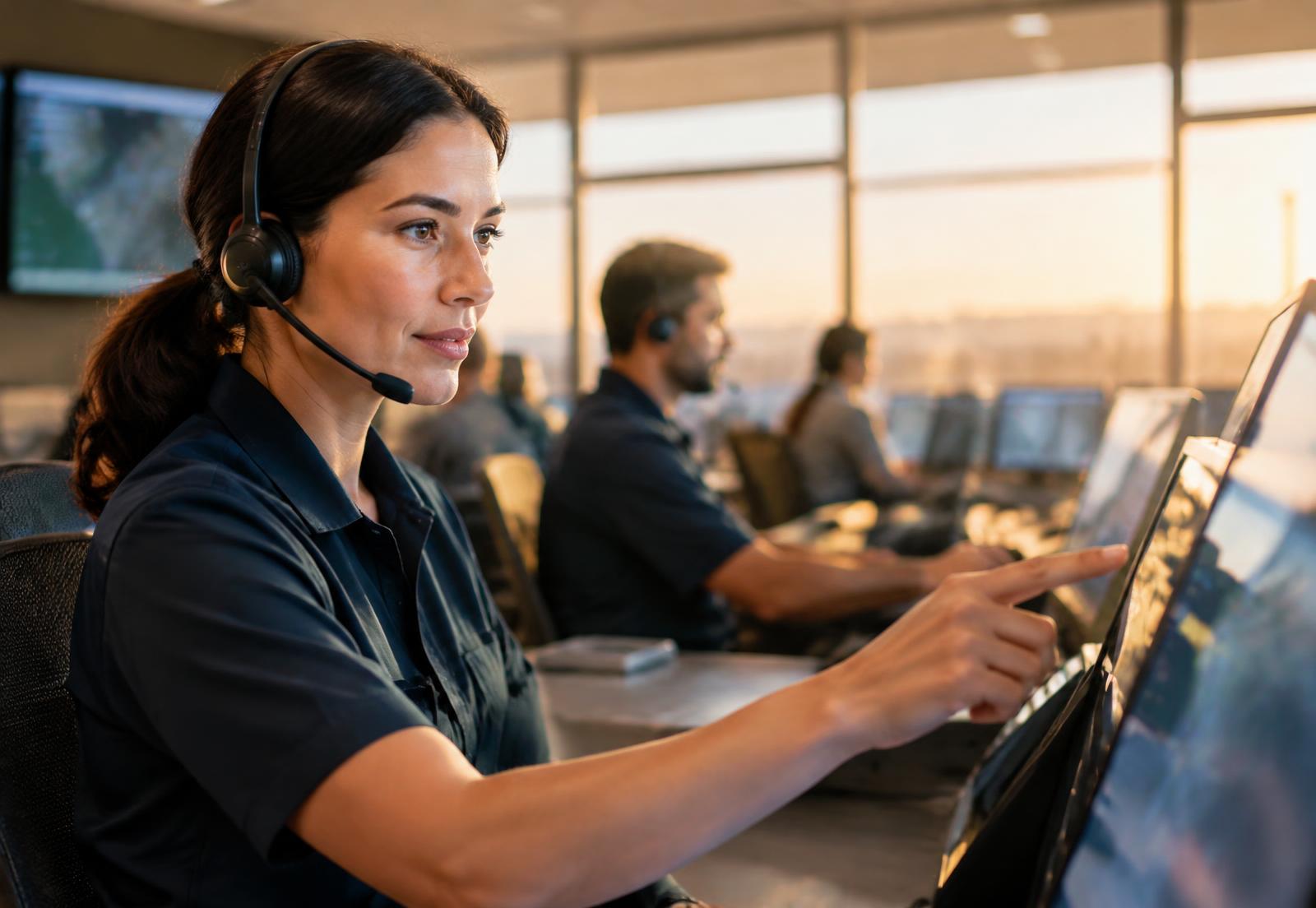
Next steps
- KAI
- Recommends actions with the reasons why.
- You
- Approves or changes them.

Reports
- KAI
- Drafts the report and handover.
- You
- Reviews and signs off.
When an incident breaks, KAI is already on it.
As reports come in, the AI Operator builds the picture, finds the right cameras and proposes what to do next. Your operator reviews and decides.
Listens
Follows the radio and calls, and turns them into one incident.
Looks
Finds the cameras that see the scene and checks what's happening.
Suggests
Proposes the next steps and waits for a person to approve.
For example: a fire call
INCIDENT
Working fire · 412 Elm St
- KAI combines the radio report and incoming calls into one incident
- KAI checks cameras at 412 Elm St and 28 Oak Ave: smoke on the upper floors
- With operator approval, KAI calls the building manager to check how many people are inside and where
- KAI matches the cameras at the address against the building layout, finds the rear courtyard uncovered and asks the operator to send a drone
- KAI briefs responding units on what the cameras and drone show, alongside the manager’s occupancy information
- KAI stays with the incident until the all-clear, keeping the briefing current and each change ready for operator approval
When the search starts, KAI has already been watching.
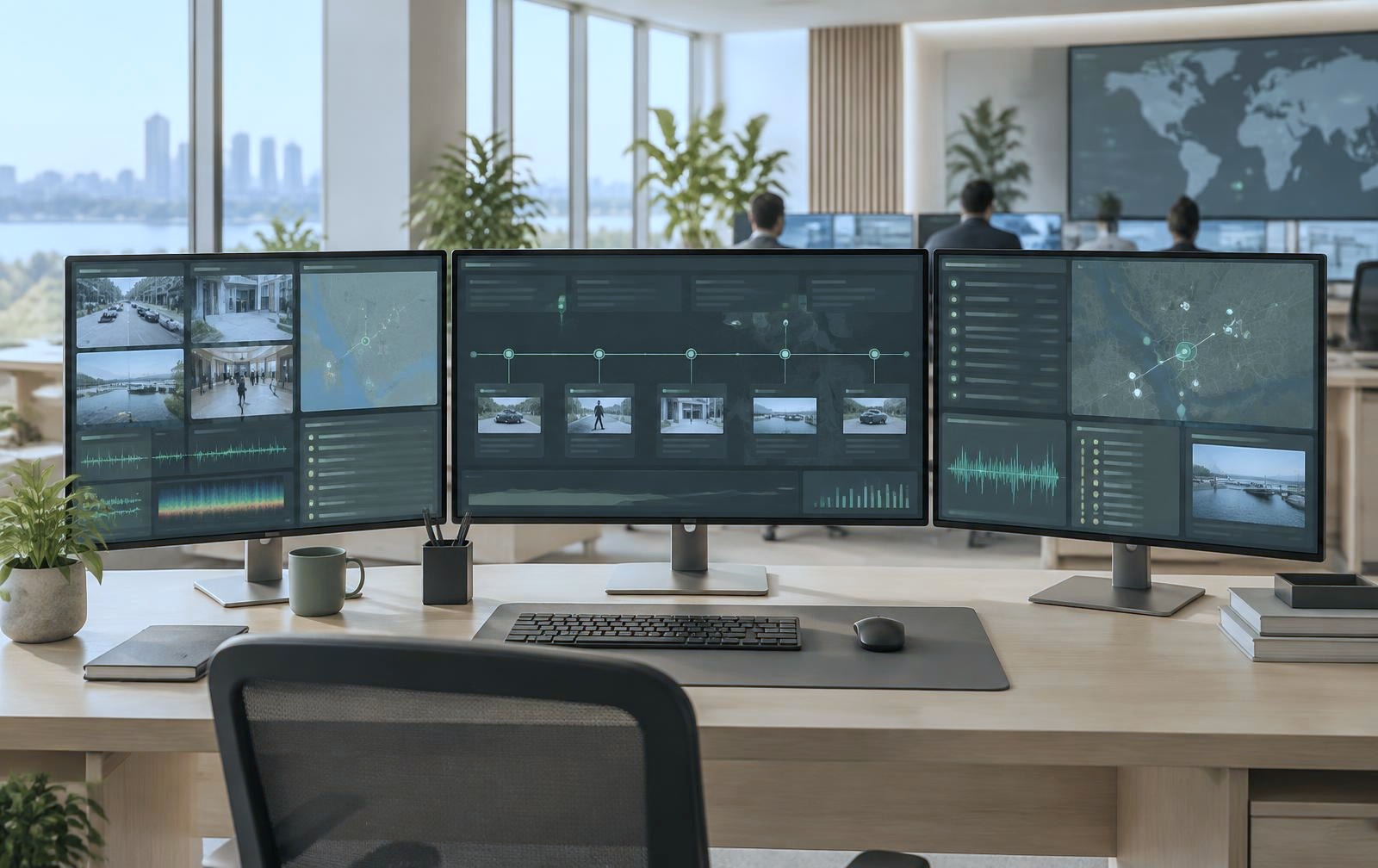
KAI helps your team search recordings, review findings and bring them into a case. The AI Investigator capability is built into KAI, with people reviewing the evidence and confirming findings.
Searches
KAI searches all your cameras' recordings, in plain words or from a photo.
Checks
KAI double-checks every result, then a person confirms it.
Builds the case
KAI puts the sightings in order on a map and writes the report.
For example: finding a person
CASE
Find a person
Red sweater, grey beanie · last seen in the bus station waiting room
- KAI receives the photo and description and searches the relevant recordings
- KAI searches camera recordings at 412 Elm St and 28 Oak Ave together
- KAI cross-checks matching sightings against the description and surrounding footage
- KAI links the route across locations: 412 Elm St stairwell → building entrance → bus station at 28 Oak Ave
- Evidence report ready for officer review: linked recordings, the route across locations and sightings still to confirm
Models are rented. Context is earned.
Signals become more useful when they have context: the place, its routines, the current incident and the procedures your team follows. KAI brings that context into the operator’s workspace.
You stay in command.
You set the limits
You decide what KAI may do on its own, and what always waits for a person.
Every step is logged
Everything KAI does is recorded, so you can always see who did what, and when.
Your data stays yours
What KAI learns about your place belongs to your place.